The modern operating system is designed to harvest your attention with badges, pings, and “quick” updates. For the solo founder working from home, the friction of fighting your own “digital dopamine” addiction is a constant drain on your willpower. Every time you check a “quick” notification, it takes twenty minutes to return to the state of deep focus required for complex technical problem-solving.
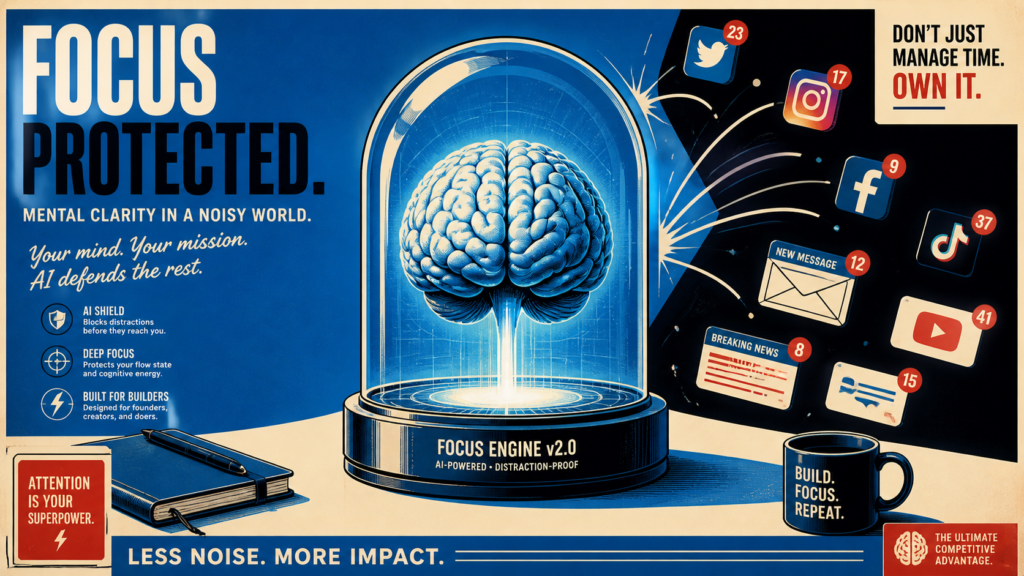
Discipline is a finite resource; you shouldn’t have to “decide” to stay focused. You need a system that hard-codes your boundaries into your digital and physical space, removing the possibility of distraction before it ever enters your peripheral vision.The Flow: Opal + HazeOver + Philips Hue
The Hard Block: Use Opal on your mobile devices to set up “Focus Gems”—automated, unblockable schedules that sync with your deep-work calendar.The Visual Isolation: Use HazeOver on your desktop to automatically dim every window except the one you are currently using to write code or design.The Biological Trigger: Link your Philips Hue office lights to your focus timer. Set them to a cool 5000K (Daylight) brightness during “Work Mode” and warm amber during “Rest Mode.”The Audio Moat: Use Brain.fm or Endel to play AI-generated functional music that triggers neural patterns associated with concentration.Result: Your environment does the “focusing” for you, turning your workspace into a physical and digital vault for creative output.
Why Environment Design Beats Willpower
Relying on discipline to resist notifications is a losing strategy because willpower depletes over the course of a day. By the afternoon, the same alert that you ignored at 9am becomes irresistible. Environment-triggered focus flips the model: instead of deciding to stay focused, you remove the decision entirely. When Opal blocks distracting apps on an unbreakable schedule, HazeOver dims everything but your active window, and your lights shift to a focus scene, your surroundings do the work that your willpower used to. The distraction never reaches your awareness, so there is nothing to resist.
Building Your First Focus Trigger
Start small with a single, repeatable trigger. Pick one deep-work block on your calendar and wire Opal to that time so distracting apps lock automatically. Add a Philips Hue scene that snaps your office into cool, bright light the moment the block begins, and pair it with a Brain.fm session for neural entrainment. Within a week the light change alone will start cueing your brain into focus mode, the same way a commute once signaled the start of the workday. Layer in HazeOver and notification blocking only after the first trigger feels automatic.
Common Pitfalls to Avoid
- Over-blocking on day one: Locking down everything at once feels punishing and gets abandoned. Ramp up gradually.
- Leaving an easy bypass: If you can disable the block in two taps, you will. Use unblockable schedules so the friction is real.
- Ignoring the physical layer: Lighting and sound shape focus as much as software. Treat them as part of the system, not decoration.
Stack these layers and deep work stops being a daily battle of willpower and becomes the default state your environment quietly enforces.
Related Reading
- The “Contextual Lighting” Firewall: Smart Atmosphere for Deep Work
- Creating a Digital Fortress: Hard-Coding Your Focus
- Eliminating Context-Switching Fatigue with Command-Bar Launchers
Further Resources
Explore these tools and resources to implement the strategies discussed in this post:
No responses yet